

AI Reference to Image
Your character, any scene.
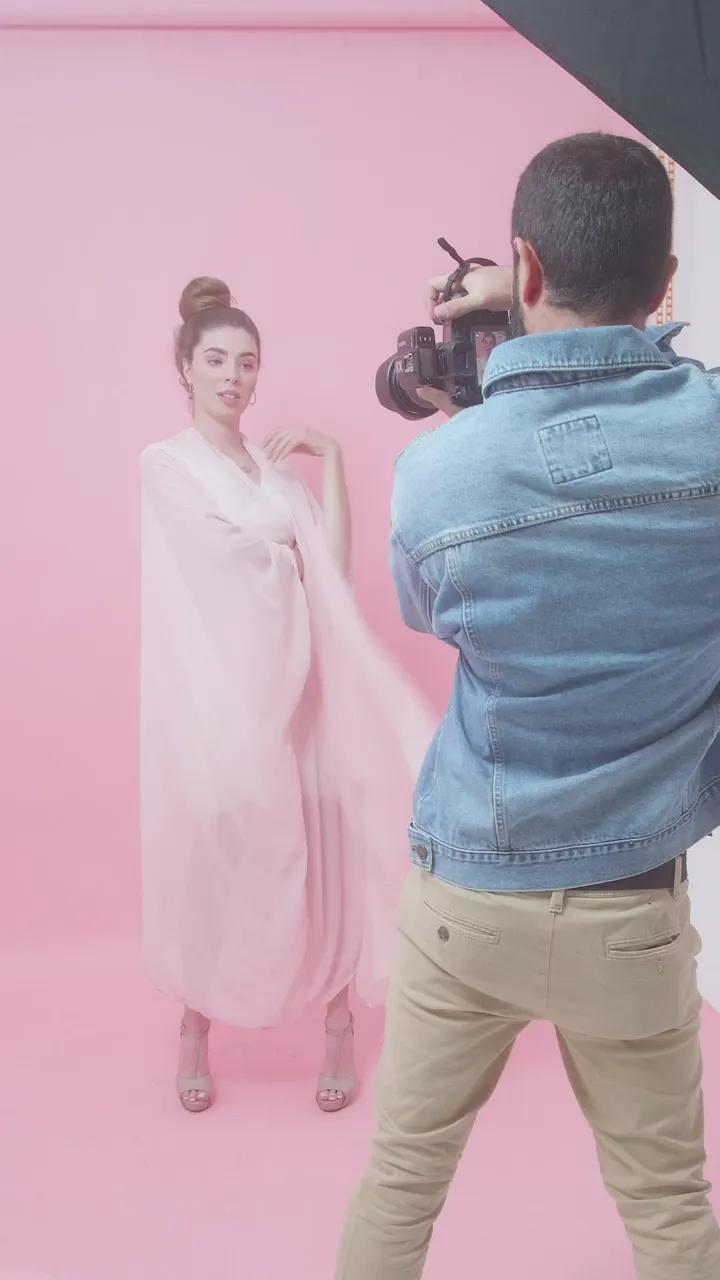
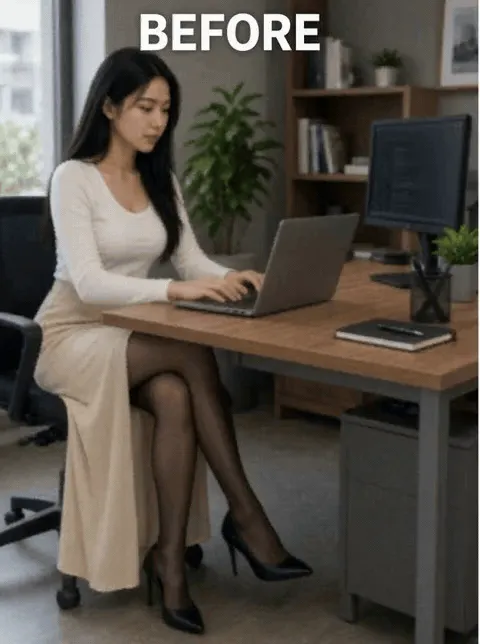
Recreate the pose, outfit, lighting and composition of a reference photo with your own character, or keep the photo and swap only the identity.
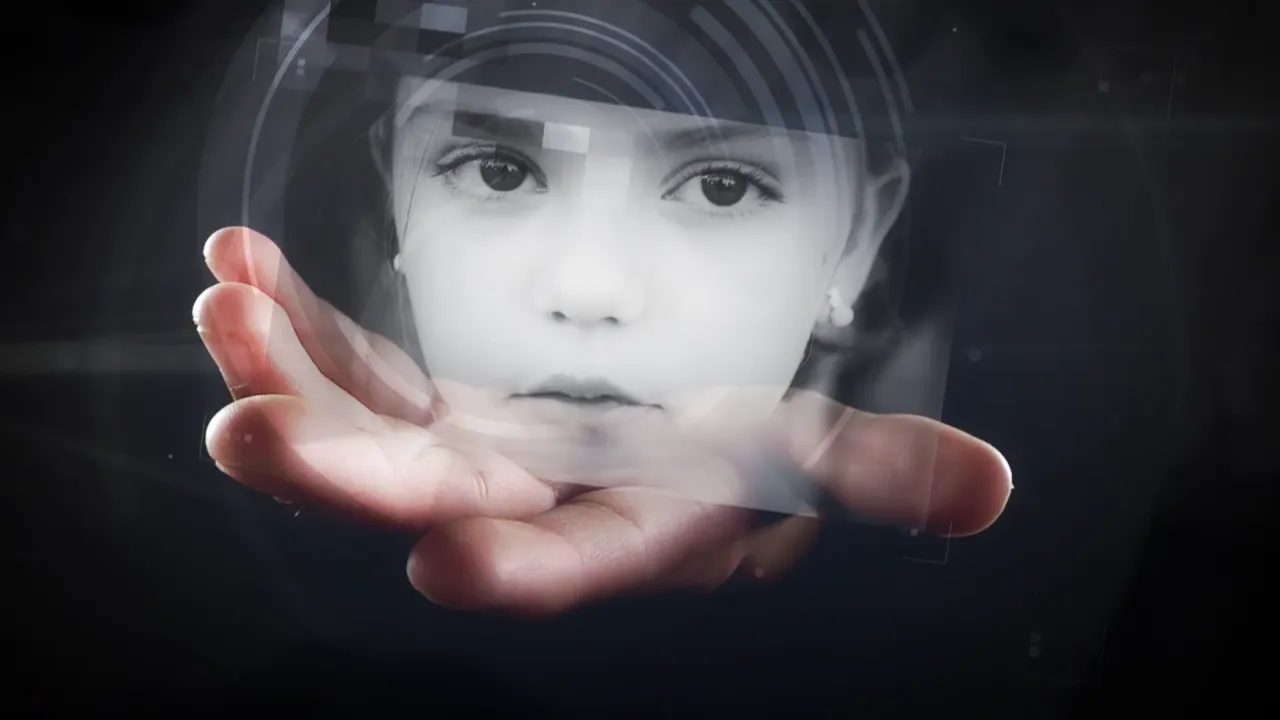
- Reference → Your character
- Keep-pose option
- Up to 4 character photos
How it works
Create with Reference to Image in three steps
- 1
Describe it
Write what you want to see: subject, setting, mood and style.
- 2
Choose your settings
Pick quality and, where offered, style or aspect ratio.
- 3
Get your image
It is generated in the background and saved to your private library, ready to download.
FAQ
Reference to Image questions
How much of my plan does Reference to Image use?
Each image result uses one work from your monthly allowance. Failed generations are not counted.
Which plans include Reference to Image?
Reference to Image is included in Starter, Professional, Elite. New accounts can also try it with the free trial while it lasts.
Do I need to write long prompts?
No. A clear sentence about the subject, setting and mood works well, or start from a prompt in the community library.
Who can see my results?
Only you. Results are stored privately in your library unless you choose to publish one to the public prompt library.
More tools in FirstMind
AI PhotoshootNew
A full photoshoot from two photos.
Video to VideoNew
Star in any clip.
LipSyncNew
Make any portrait talk.
Text to Image
Describe it. See it.
Image to Image
Transform any image with words.
Text to Video
Scenes in motion from a prompt.
Image to Video
Bring still images to life.
Image Variation
Explore new takes on a favorite.
Image Enhance
Sharper, larger, cleaner.
Style Transfer
Repaint in any artistic style.